
LEGO Part Numbers Explained: Design ID vs Element ID
The number molded into a piece and the number in the instructions answer different questions. Use both without ordering the wrong color.
5 minute read · By BrickMissing
A LEGO Design ID describes a part design; a LEGO element ID identifies an element including its color. Catalogs such as BrickLink and Rebrickable also use their own part numbers, which do not always match LEGO’s identifiers.
The reliable identification is the combination of geometry, color, decoration and the relevant catalog entry. Here is how to move from an unknown brick to a replacement you can check.
The three numbers you will encounter
The word “part number” is ambiguous. Keep the source next to the number when writing a shopping list. A set number such as 31140 identifies the set, not one of its pieces.
| Identifier | What it identifies | Where to look |
|---|---|---|
| LEGO Design ID | The part design; color must still be checked | Often molded inside or underneath the piece |
| LEGO element ID | A specific element, including color | The parts list at the back of newer LEGO instructions |
| Catalog part / item number | An entry in a particular catalog | The BrickMissing, Rebrickable or BrickLink part entry |
If you have the physical piece
Turn it under a bright light and inspect the underside or interior for the molded design number. Some pieces are difficult to read; do not guess a faint digit. Photograph the shape from above and below before searching.
Compare height, stud count, underside connections and the exact profile. A slope and a curved slope with the same footprint can behave differently in the build. Match any print as well as the base shape.
- Write down the readable molded number and describe the shape.
- Search the appropriate catalog and compare its images with both sides of your piece.
- Select the exact color and decoration before choosing an element or shop listing.
- If the ID returns no match, check that catalog’s alternate identifiers instead of changing the color to make a result appear.
If the piece is missing entirely
Start from the set inventory or the instructions step that needs the piece. The step shows its role; the inventory shows the required count. For newer sets, the instruction-book parts list can also give the LEGO element ID.
Record the step or page where you found it. This gives you a second way to check the item if the catalog name sounds unfamiliar.
Worked example: one shape, five different colors
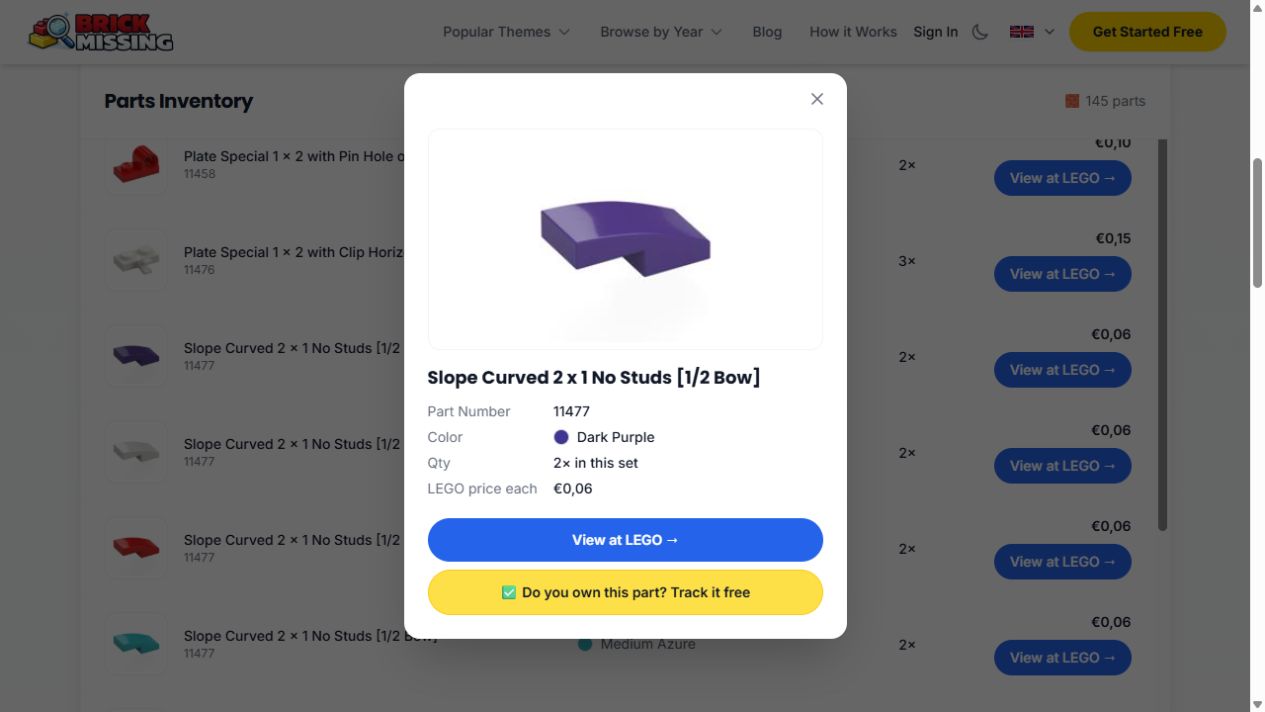
Our public inventory for Magical Unicorn (31140-1), checked on 5 October 2026, contains catalog part 11477 in five colors. Each of these rows requires two pieces. The catalog calls the shape “Slope Curved 2 x 1 No Studs [1/2 Bow]”.
The table shows the element mapping returned for each exact color in this snapshot. It does not claim these are the only element IDs ever assigned to that shape, or that every item is currently in stock.
| Catalog part | Catalog color | LEGO element in this snapshot | Required in 31140-1 |
|---|---|---|---|
| 11477 | Dark Purple | 6057390 | 2 |
| 11477 | White | 6034044 | 2 |
| 11477 | Red | 6029946 | 2 |
| 11477 | Medium Azure | 6071246 | 2 |
| 11477 | Orange | 6055069 | 2 |
Color names and prints need a second check
Color labels are catalog labels, not measurements from a photograph. Lighting and screen settings can hide a difference between similar colors. Use the set’s documented inventory as the reference when the piece is absent.
Treat a printed tile, a plain tile and a tile with an applied sticker as separate checks. Matching the base shape does not prove the decoration is correct. For an uncertain seller listing, ask for a clear picture and its catalog entry.
Before ordering: use a complete identity line
For the example above, a useful line is: “31140-1; catalog part 11477; Dark Purple; element 6057390; missing quantity 1”. The missing quantity here is an illustration, not a measured deficit.
If your number is not recognized by a shop, search its alternate-ID mapping and verify the resulting item visually. Keep the confirmed color and quantity intact. An identifier conversion should change the search key, not the piece you need.
- Download a real inventory with part and element columns
The sheet keeps the source catalog number, color and snapshot element ID on the same row.
Use the number to locate candidates, then verify the shape, color and decoration. That final comparison prevents a correctly typed number from turning into the wrong replacement.